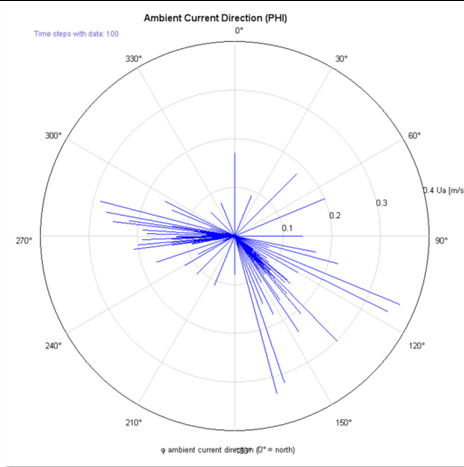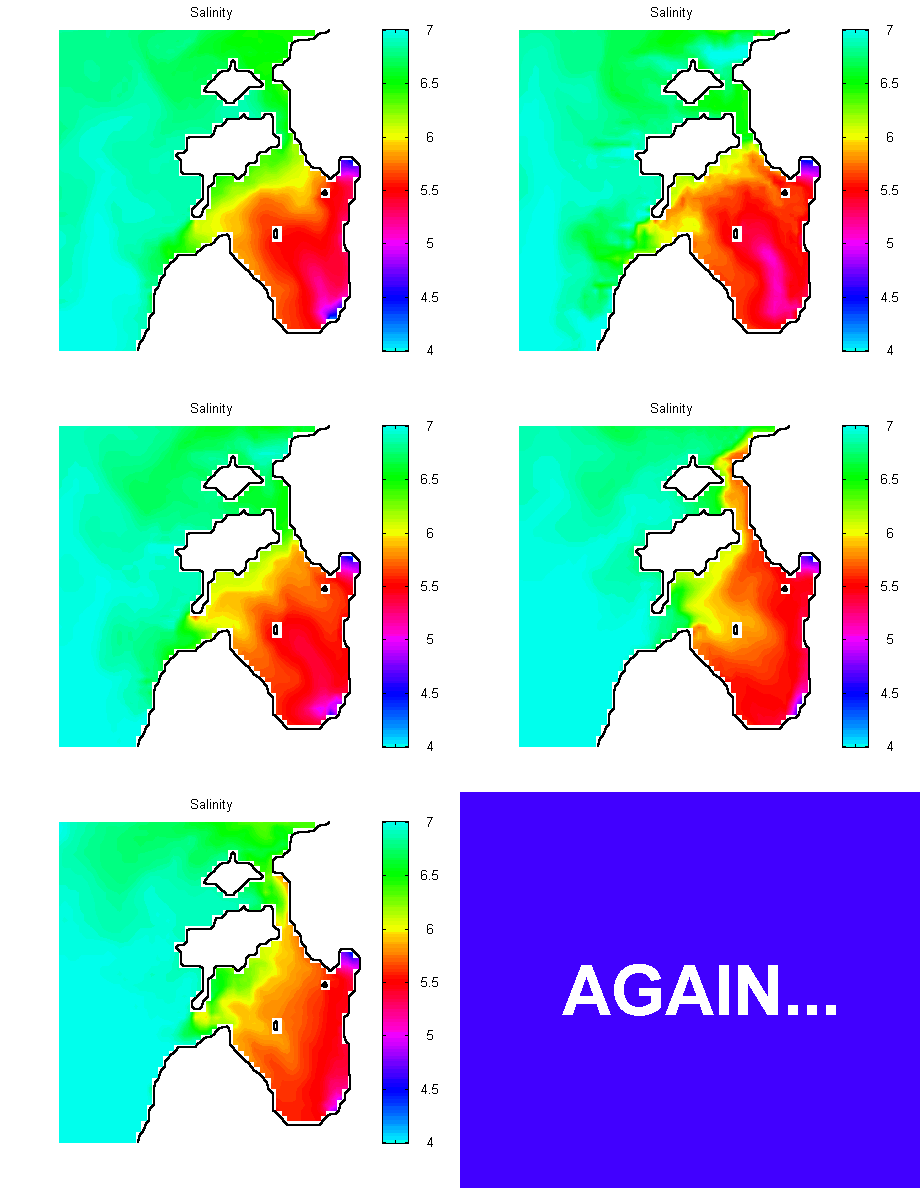
CorTime is a tool implemented in CORMIX which allows for the automated input and modeling of time series data.
Using CorTime, one can perform time series analysis (batch analysis) due to time varying ambient conditions
(ambient current, direction and density conditions) and/or discharge characteristics.
CorTime also allows for an automated, two-way, dynamic coupling option for linkage of CORMIX to Far-Field Models.
As part of this coupling option, CorTime allows CORMIX to set boundary conditions in far-field coastal circulation models.
CORMIX has been successfully linked with the Delft3D-FLOW model.
The CORMIX-Delft3D-FLOW coupled modeling approach has been applied successfully in several projects with good validation results.
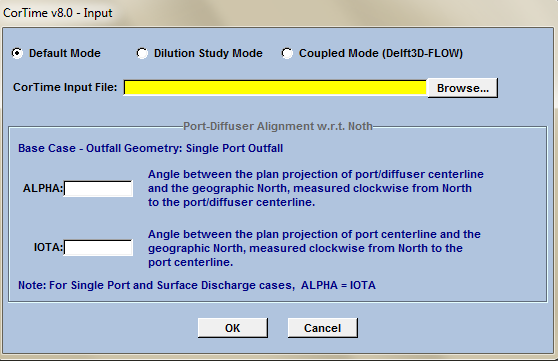
CorTime can be used in 3 modes (requires CORMIX v12.0GTR):
- Default Mode
- Dilution Study Mode
- Coupled Mode (Delft3D-FLOW)
Default Mode:
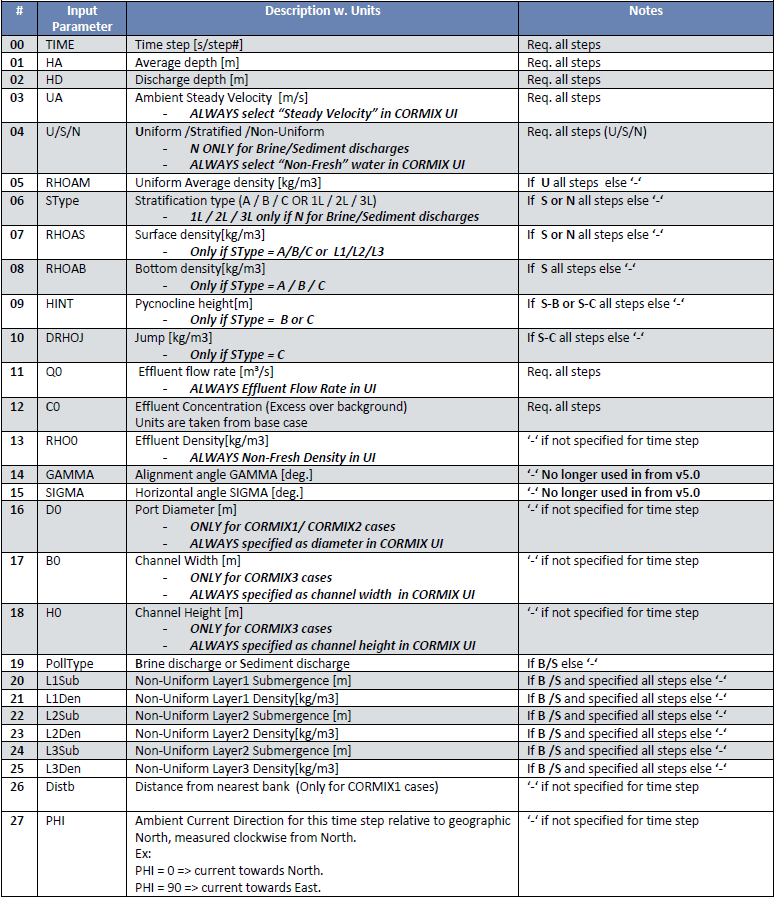
In the "Default Mode" mode, CorTime accepts a tab delimited input file summarizing the time varying CORMIX input data
(ambient and/or discharge conditions) for each time step. CorTime then executes CORMIX (in a batch mode style operation) with
input data for each time step and the plume characteristics are calculated for each step.
The results of each time step are independent from the results or conditions of any of the previous or following time steps.
CorTime will save the CORMIX case file (*.cmx), prediction file (*.prd) and the session report (*.ses) for each time step that is successfully run.
The summary results will enumerate the effluent plume properties (plume centerline trajectory, profile, dilution S, concentration and floe class) at the
edge of the near field and at the regulatory mixing zone for each time step simulation, providing an overall assessment of the plume behavior over the input time varying ambient and discharge conditions.
Dilution Study Mode:
In the "Dilution Study Mode", CorTime accepts a simplified input file which specifies several
downstream distances of interest, at which the plume properties like plume dimensions,
dilution and concentration are of interest.
CorTime simply runs a separate simulation for each such downstream distance specified, by
using the input downstream distance value as that step's (simulation's) RMZ ("Mixing Zone
Specified -> Distance" option in CORMIX).
This mode is mainly used to determine the concentration and dilution values at different downstream
locations for a given case, without having to run multiple individual simulations.
In both the modes, an output file called "CorTime-Status Report.txt" is created - summarizing
the characteristic plume parameters such as the x,y,z coordinates at the end of near-field
region and at the specified regulatory mixing zone (RMZ), with corresponding dilution,
concentration, plume thickness, width and travel times - of all the time steps of the simulated
period/step.
Coupled Mode (Delft3D-FLOW):
CorTime allows for an automated, two-way dynamic coupling option for linkage of CORMIX to Delft3D-FLOW.
More information on this coupling option is published at CORMIX-Delft3D-FLOW Model Linkage
Please review the CORMIX Feature Comparison table for CORMIX v12.0 versions,
to check for CorTime availability - VIEW